
Displays portfolio items with multiple layout styles, filtering, and animation options.
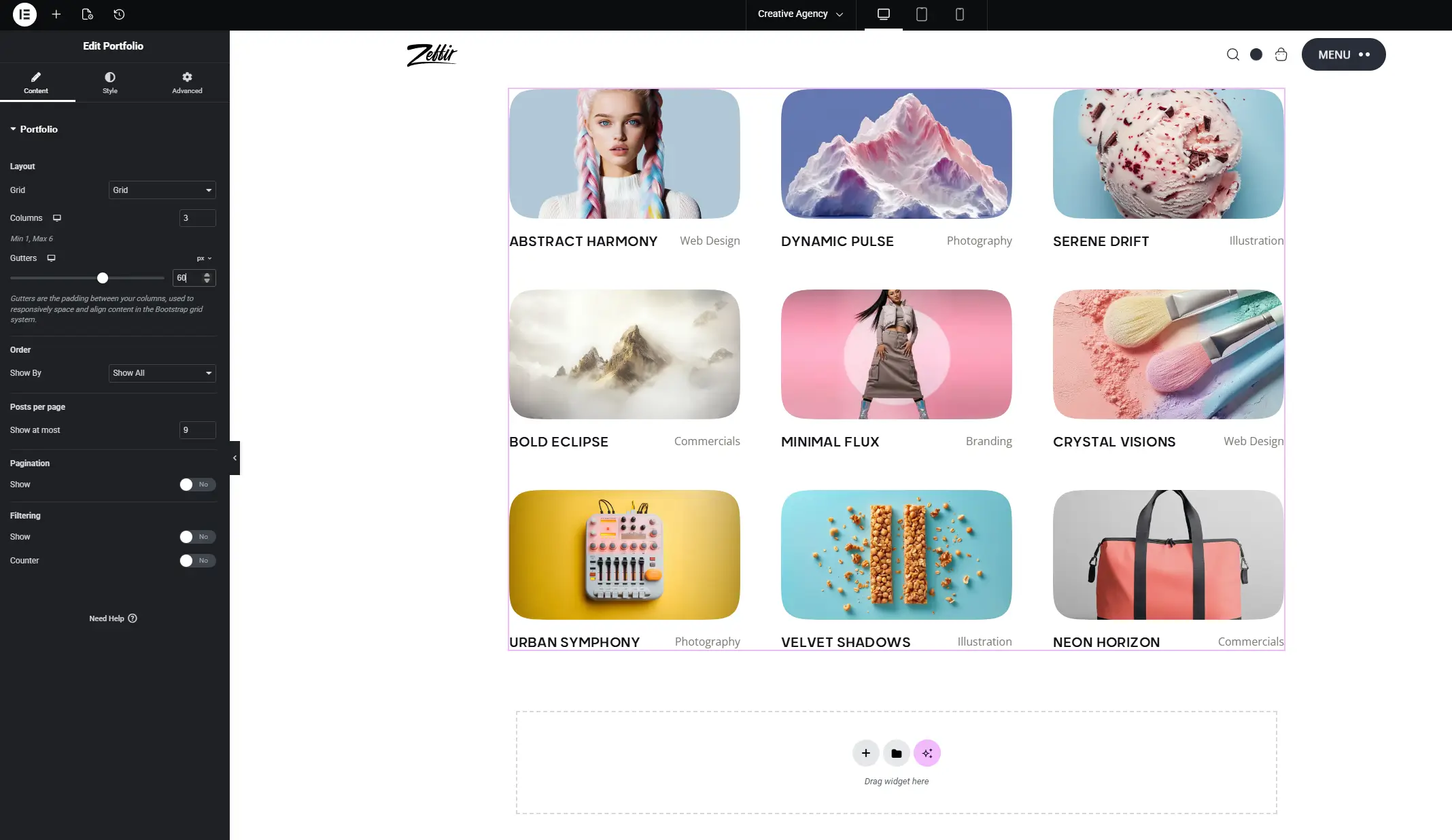
Options
Layout Style
- Default – standard grid layout
- Grid 2 – alternating column widths (editorial style)
- Masonry – Pinterest-style flowing grid
- List – horizontal list with large image
- Slider – portfolio items as a carousel
- Interactive – fullscreen hover-reveal layout
Columns (Desktop / Tablet / Mobile) – Number of columns in grid/masonry layouts. Set independently for each device size.
Posts Per Page – Number of portfolio items to display.
Category Filter – Show only items from a selected portfolio category.
Show Filter Bar – Display category filter buttons above the grid so visitors can filter items by category.
Show Title – Toggle the project title on/off.
Show Category – Toggle the project category label on/off.
Thumbnail Video – If a portfolio item has a featured video, choose:
- Disabled – never show video thumbnails
- Hover – play video on mouse hover
- Autoplay – video plays automatically
Hover Effect – Visual effect applied when hovering over an item.
Parallax – Enable a parallax effect on project thumbnails.
Parallax Speed – Controls the parallax movement intensity.
Show Pagination – Display numbered page navigation below the grid.
Show Navigation – Display previous/next buttons (for slider layout).